I used to be all about clean, neutral UI’s; black & grey everything. Now if I find a bold colorful theme in an app, I’m like.. why not? Embrace the whimsy. Wallpaper also changes color 😊
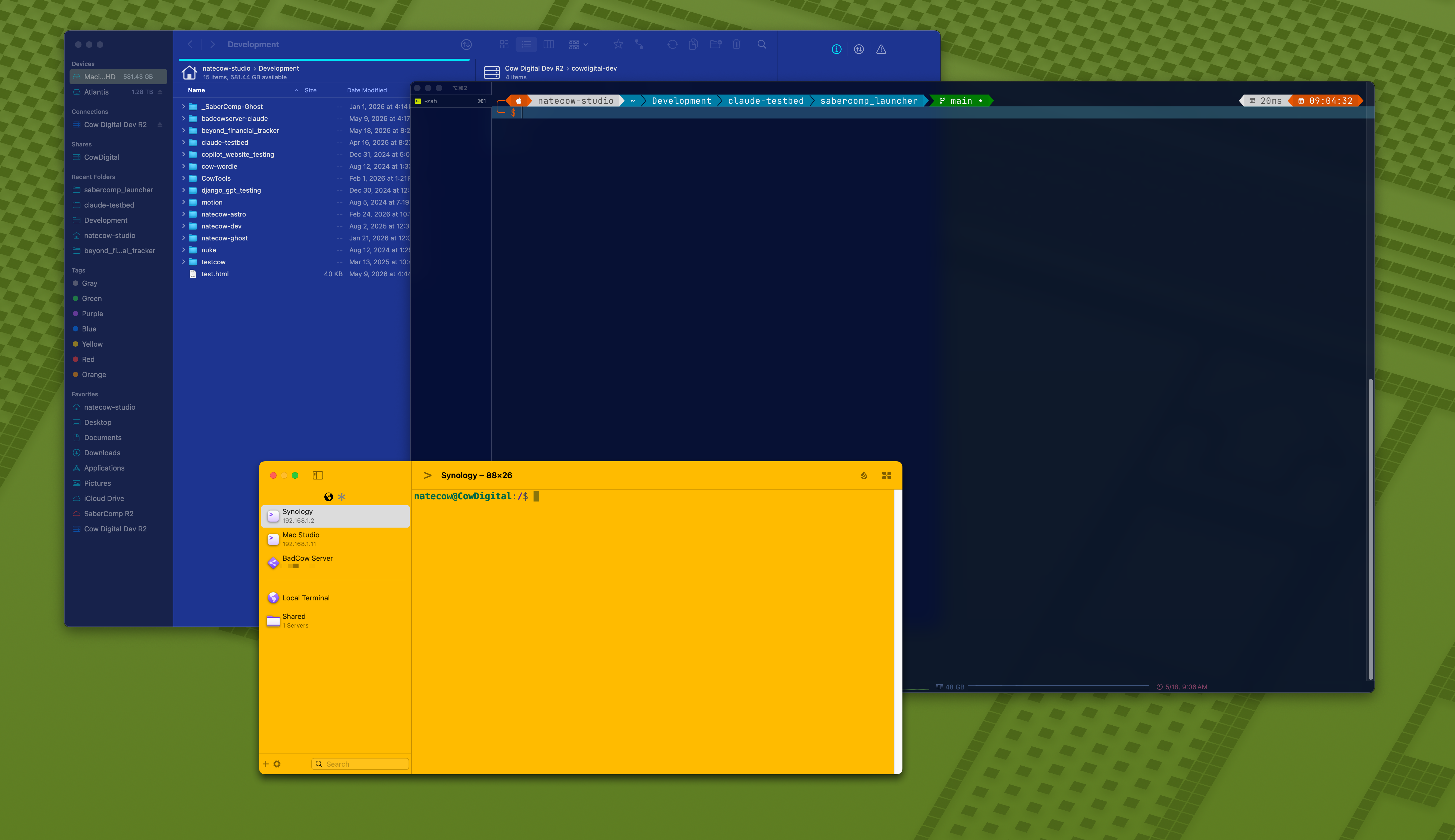
I used to be all about clean, neutral UI’s; black & grey everything. Now if I find a bold colorful theme in an app, I’m like.. why not? Embrace the whimsy. Wallpaper also changes color 😊
😑
Found this really cool little site that shows off all the versions of Mac OS X, from the Cats to California. Check it out!
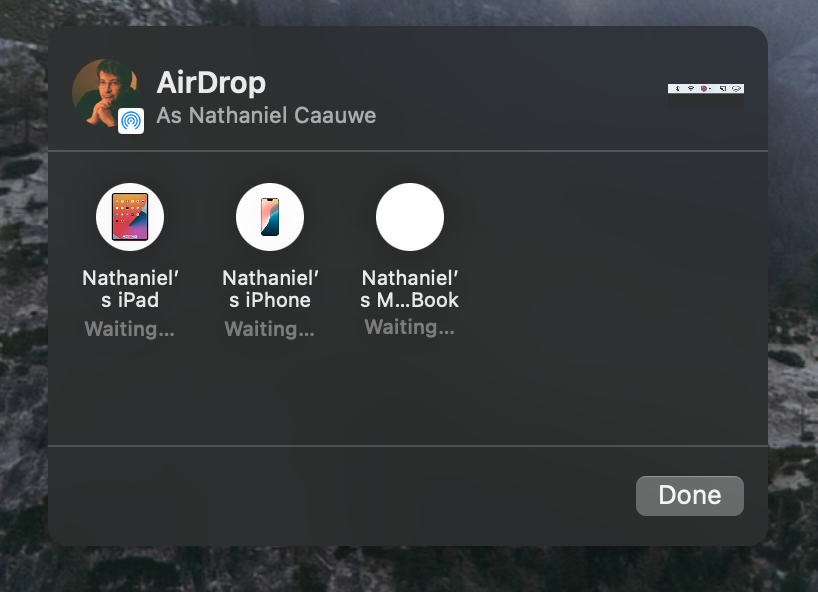
I’ve basically concluded that having any Mac on Sequoia while the rest of your devices are on some 26 OS renders Airdrop useless, at least going from the Sequoia system. I’m at least nearing the end of a project, at which time it should be safe to upgrade my Mac Studio to Tahoe.
I have this delightful little app on my Mac called Sip that lets me quickly sample colors. What has amused me lately is that 2-factor codes I copy from my iPhone get picked up as a color. So I get this little chirp and the icon changes.

I remember discovering Bruce the Wonder Yak in my Final Cut Pro days, having left Final Cut running idle for some time. A little patch of pixelated grass popped up on my timeline, and this little brown yak wondered out and started espousing random musings. As soon as you tried to interact with him, he’d get scared and run off screen. Positively delightful.
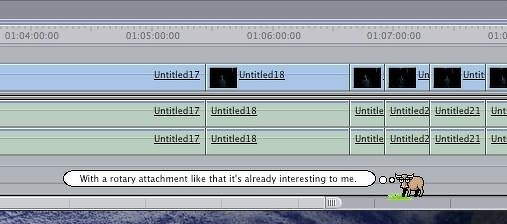
What was more, I think I remember digging into the application package for FCP and finding a file that contained all his thoughts. The list always read to me like funny quotes from around the office during the development of the software, which was confirmed on this Apple Wiki:
The 100 “Yak Bites” were composed on a whiteboard in a lounge near Ubillos’s office. Several reference the community’s early confusion about Bruce being a cow: “I’m concerned because the cow sounded pretty threatening”, “I am NOT a mad cow!”, and “What? You were expecting ‘Moo’ or something?”. Others reference internal culture, such as “Thirty quatloos says it crashes during launch!” (a Star Trek reference) and “Mostly clockwise, sometimes reverses…”
My brother and I even snagged some of these to use as our Minecraft Server’s Message of the Day, which players see when logging in. So a lot of these quotes are both iconic and nostalgic to me. I distinctly remember having a screenshot of Bruce on my personal website with his quote “What You were expecting ‘Moo’ or something?”
The reason I bring this up now is someone on Bluesky was pontificating about funny readme files hidden in old PC games. I wanted to bring up Bruce, and in my quick Googling to find an authoritative history of him, discovered this wonderful Mac app by Cody Brom, which brings this tiny Yak back to life. He also wrote a great history page about him. Do enjoy :)
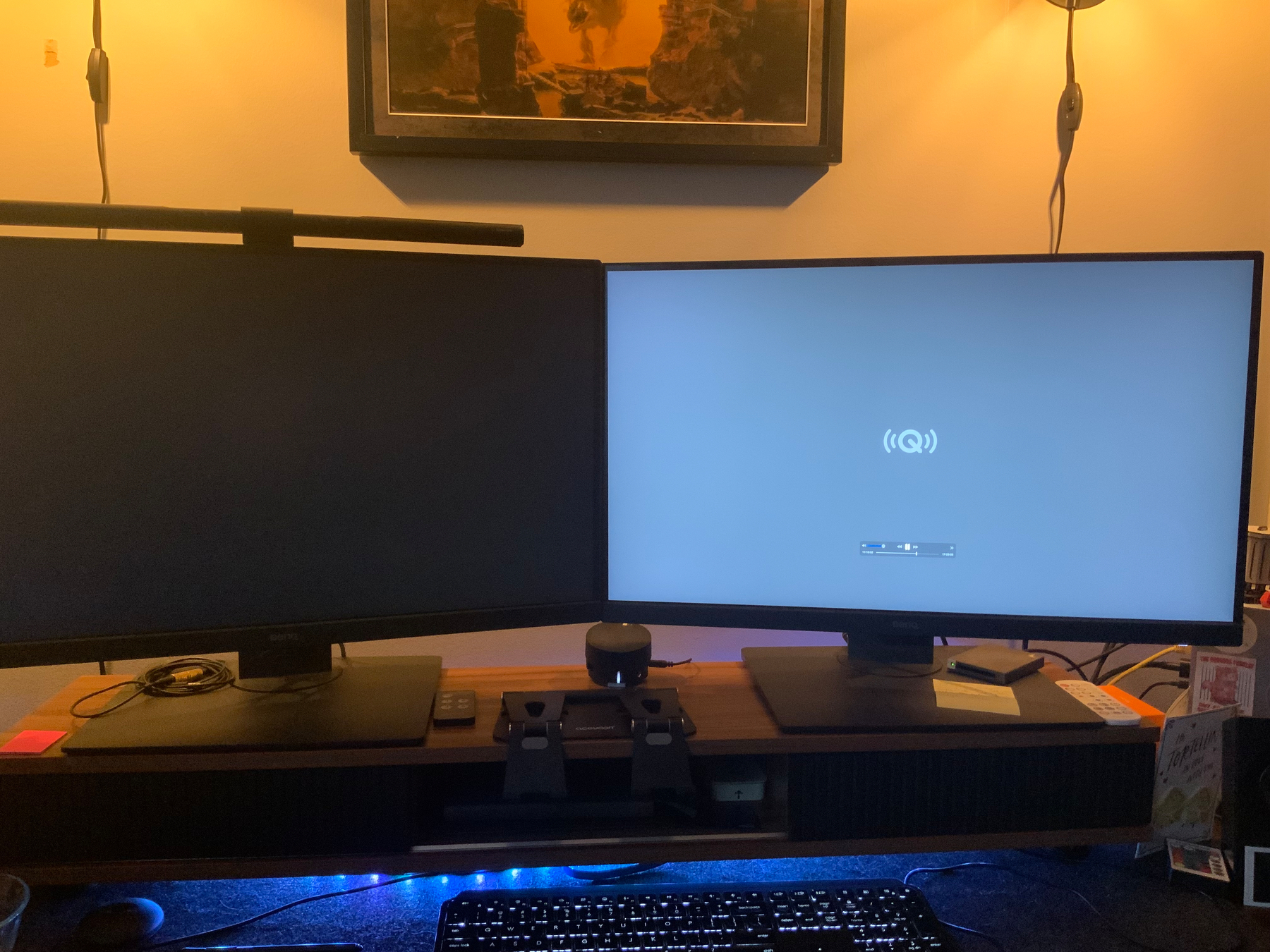
Why yes, Audible, this is precisely the behavior I want when trying to AirPlay audio to my Mac. Just take over both screens with no option to hide.
Approximately 24 hours ago I switched over to my PC and fired up Nuke because I needed to re-render a couple precomps on which I needed to do some lightsaber roto. One wasn’t rendered with the correct overscan and another shot wasn’t rendered at all. I opened the first script and was greeted with a watermark from Reel Smart Motion Blur, which was needed for said precomp.
I figured my license server was off.. again. Recently it’s just been powering down for no reason. I went into my network closet to turn it back on and over the next few minutes, began to panic as I watched it kinda-sorta try to turn on and then fail. Status light would flicker a few times, I caught a glimpse of the startup screen once, and then it was just dead.
Fantastic. Not only does this stupid little mini-PC serve my RSMB license, but my DaVinci Resolve Project Server also lives on it. I do occasional backups of those libraries to my Synology, but discovered my last backup was from JUNE 2025. BAD COW, VERY BAD COW.
So today, I took it to the PC repair shop my brother works at, hoping it was just a faulty power cable. But it was not. So we cracked it open and took the M.2 drive out, and shoved it into their data recovery system (wish I had a photo of that; it’s glorious; just a motherboard and various IO hanging on a wall). Luckily we were able to boot right into the Windows 11 install that was on it, and I could get into the Resolve Project Server UI and export backups.
Actively experiencing this xkcd comic, as one does in these situations, we just logged into my Synology dashboard, which I had bookmarked on the server, using my credentials saved in 1Password, which was also installed; yippee! Uploaded the Resolve backups to a safe place back home, then trekked home to sort that out.
Turned out you can’t just go from a project server setup to your local database, as the Project Server uses PostgreSQL and the local database uses some disk database setup. So after a few failed attempts and poking around, I ultimately just installed the Project Server software directly on my Mac Studio, and then restored the backup files and re-added them in the network tab in Resolve. The Mac is basically just looking at itself for “network” projects. Whatever. It’s working again.
Next I figured I should get the RSMB floating license sorted out during normal business hours in case I needed to get support involved (spoiler: I did). Scouring their FAQ, I discovered this would involve a $49.95 license transfer fee. And I’d have to run a node lock remover tool on the old system and then send a text file that generates back to their sales department.
So back to the shop I went, and we fired up the server and downloaded the tool… only to have it not work at all. I don’t know why, but it simply wouldn’t do anything but flash the outline of a terminal window for half a second and then do nothing else. So I opted to just gather whatever information I could. Turns out I had screenshots of the license server and the original system ID prompt that it gave me back when I set it up. I threw those onto the Synology and went home again.
Emailing RE:Vision Effects, I explained the situation and provided them the system ID of my old server and that of my Mac Studio. Within 2 hours, they sent back an updated license file and waived the transfer fee, since it was a machine failure–YAY!
So wins all around, but quite an involved hiccup to deal with in a pressing time on a project I’m trying to get wrapped up. One perk: I no longer have to worry about that stupid Windows 11 server staying running in the closet. I was wanting to switch it out for a Linux server eventually… so now at least it’s out of the picture. The main lesson here is I need to be way more diligent about Resolve project library backups. An automated way to do so would be great…
Okay, back to roto.
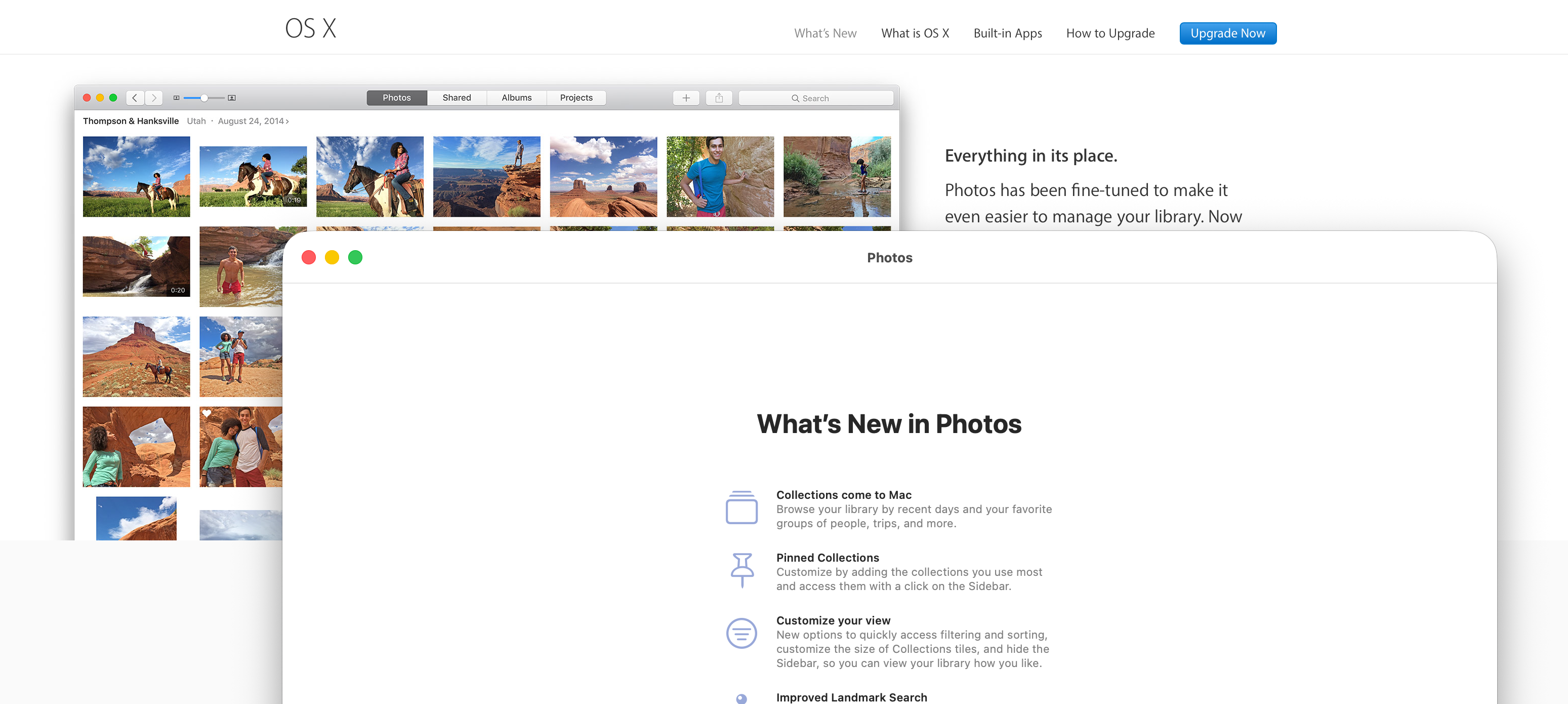
Someone on Reddit pointed out that the “What’s New” page for Mac OS X El Capitan is still on Apple’s website. As that was the OS where I finally parted ways with the Mac for a number of years, and looking back at it compared to Tahoe, I would just like to extend a heartfelt apology to El Cap. You could cut diamond with those window corners. Now you can turn a truck around in them.
From MacRumors: Mac Pro Discontinued: Reflecting on 20 Years of Apple’s Desktop Tower
I was never a Mac Pro owner. I did get to experience “buying” one once. While I was working as a video editor for a local videography studio, I finally convinced my boss to give Final Cut Pro a shot, and he handed me the business credit card and told me to drive down to the Apple Store in Omaha and pick up whatever Mac Pro they had in stock.
By the time the Mac Pro moved to Apple silicon, Apple had already released the Mac Studio, another desktop computer that is smaller than a Mac Pro but beefier than a Mac mini.
This was always an odd naming scheme in my opinion. If you had told me 10 years ago that Apple would have a Mac Pro and a Mac Studio, I’d assume the giant Mac Mini was the new Pro (following the trash can) and the giant tower was the Studio… you know, studios requiring something bigger and better than everyday pros. Dropping the Mac Pro from the lineup further confuses things; we have MacBooks Pro but no Macs Pro. The Studio name is just off on its own. Like the Neo. Guess it’s perfect that these are the two Macs I own.
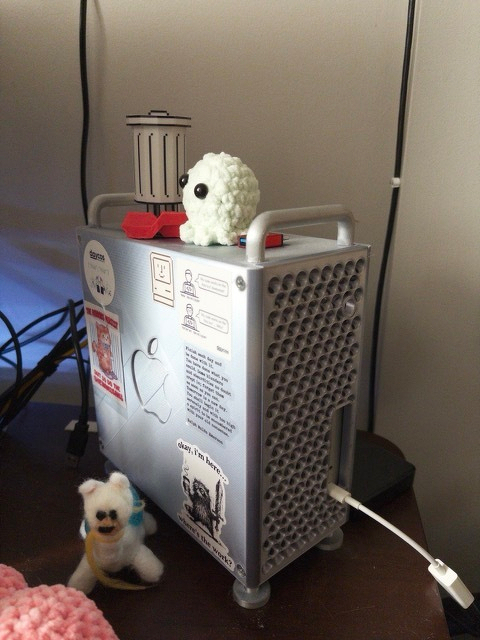
And before you ask, yes, I do have my Mac Studio in a 3D-printed Mac Pro case, because it’s adorable: